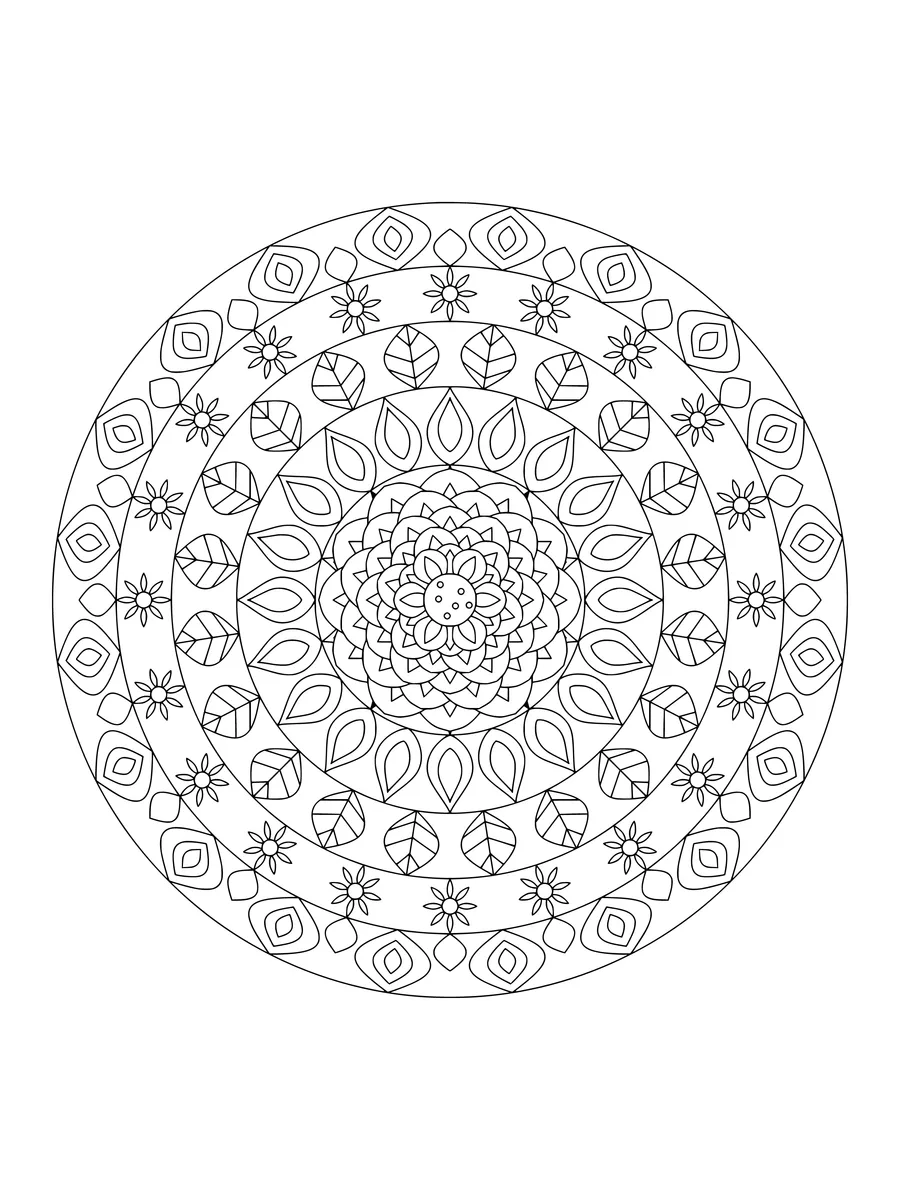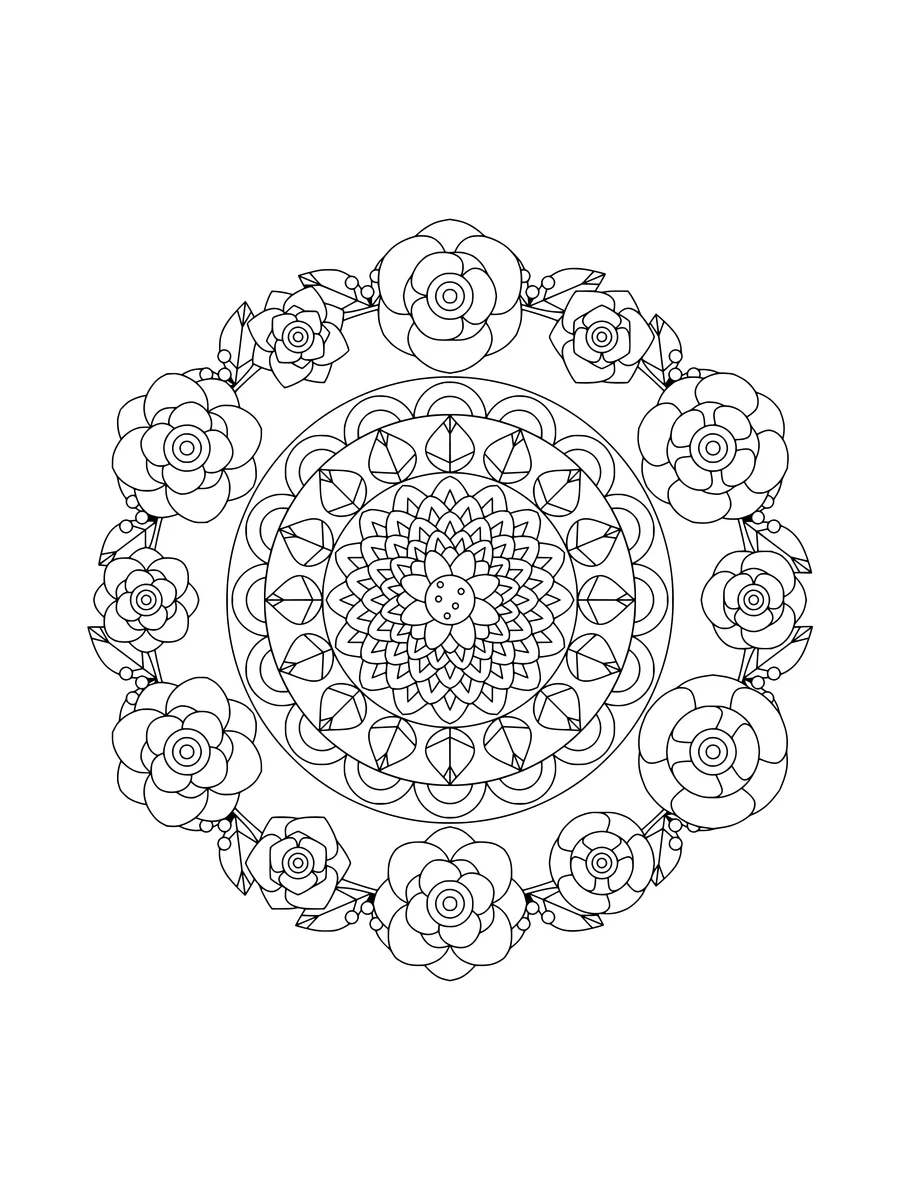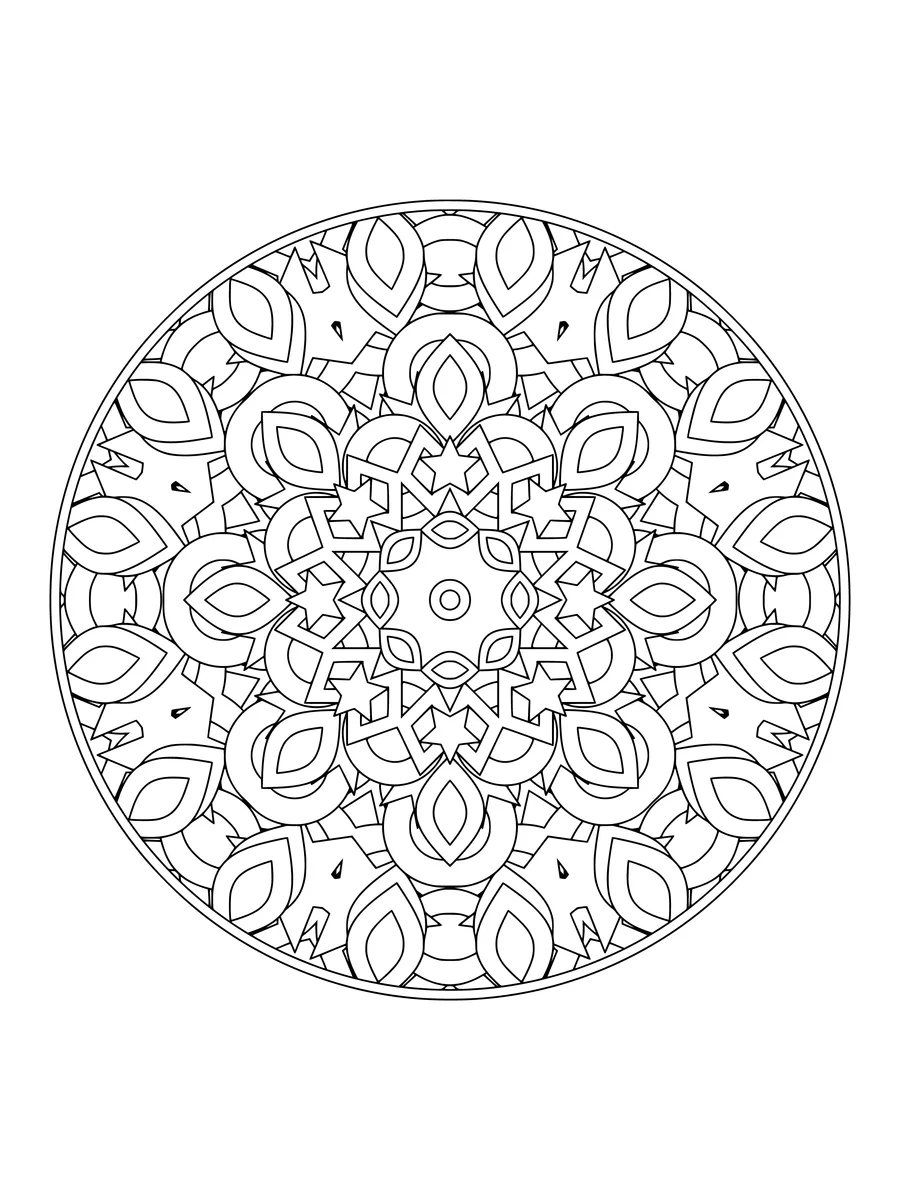
Kaleidoscope with mirrored diamond and star shapes
Mediumabout 30 min
A kaleidoscope turns a few scattered shapes into a jewel, and these pages do the same on paper.
14 pages4 levelsFree to print
Showing 14 pages
Mediumabout 30 min
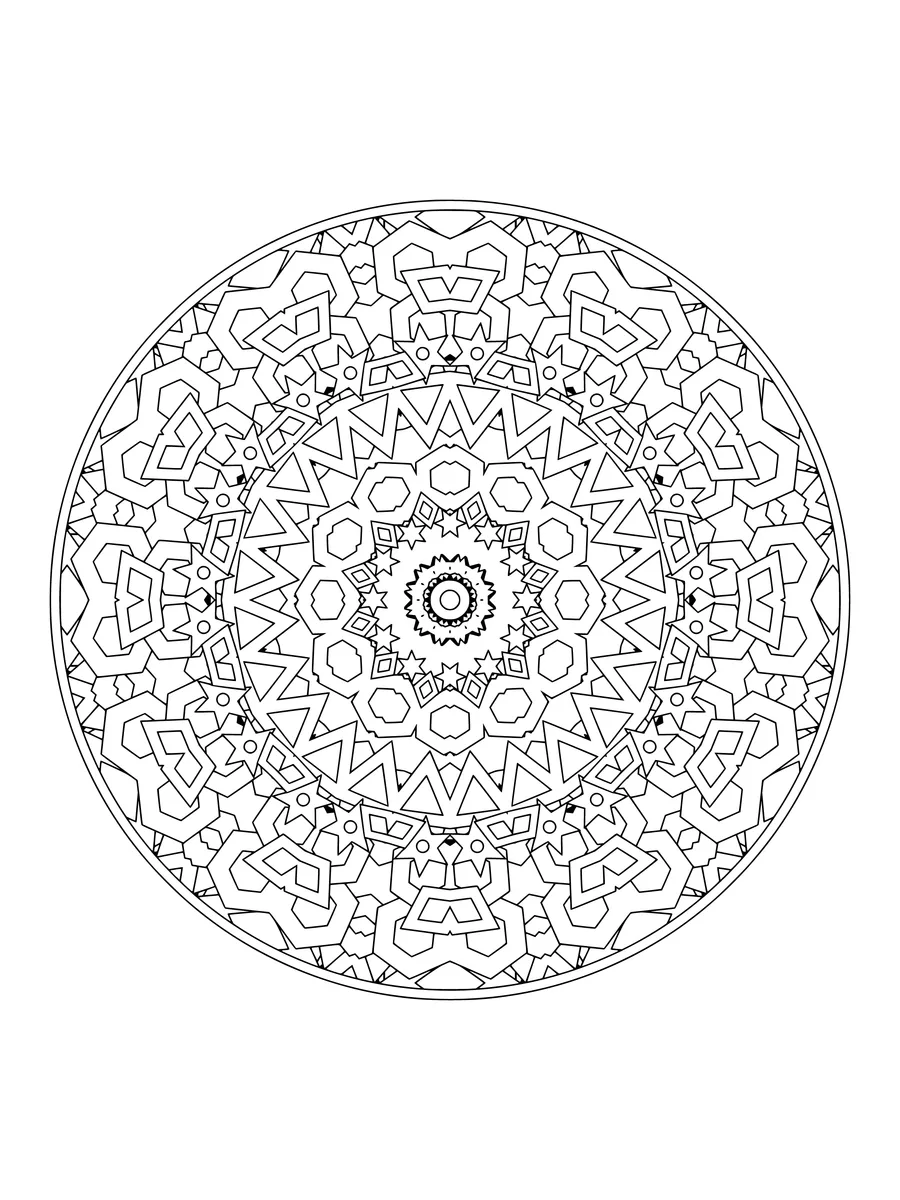
Detailedabout 1 hour
Detailedabout 1 hour
Easyabout 15 min
Intricateabout 1.5 hours
Mediumabout 30 min
Detailedabout 1 hour
Mediumabout 30 min
Intricateabout 1.5 hours
Easyabout 15 min
Detailedabout 1 hour
Intricateabout 1.5 hours
Mediumabout 30 min
Intricateabout 1.5 hours
Every page from our kaleidoscope coloring pages in one file, ready for the printer. Instant download, no email needed.
Each design starts with a handful of petals, diamonds, hexagons and stars scattered across one small wedge, then mirrors it around the circle until the pieces lock together into a stained-glass rosette. The results are designed for CrayonNook with overlapping shapes layered back to front, so every fragment is a clean closed region. Try bright jewel colours for a glass-window feel, or stay in one hue for a subtle, tonal piece. Good for adults who enjoy intricate work and for older kids who like a challenge. Print one for a rainy afternoon, or fill it online.
Colour symmetrical pieces the same colour all the way around. It sharpens the kaleidoscope effect and keeps the page tidy.
Pick a bold colour for the biggest shapes and cooler, quieter shades for the small fragments between them.
Add a thin white or silver gel-pen outline around a few shapes for a leaded-glass look.
The kaleidoscope was invented in 1816 by the Scottish scientist David Brewster. The name comes from Greek words meaning beautiful form to see.